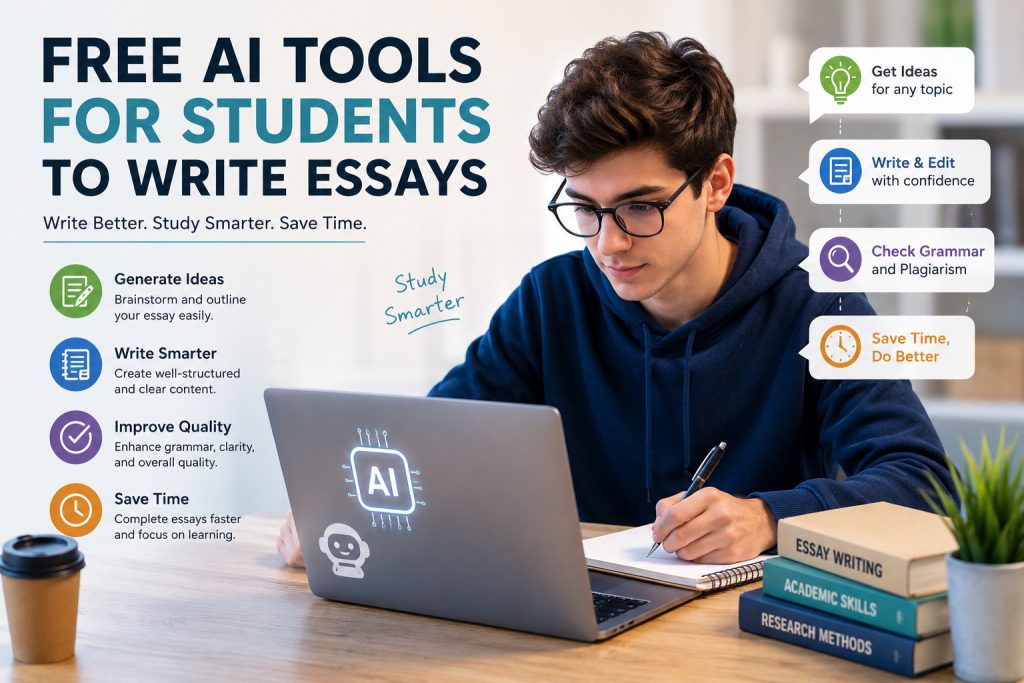
Let’s be honest, writing essays can feel exhausting. Deadlines pile up, topics get complicated, and sometimes you just stare at a blank page, wondering where to start. Free AI tools for students to write essays can help alleviate some of the pressure. They help with outlines, grammar fixes, research summaries, and idea generation so you can focus on the thinking part that actually matters.
This guide walks you through the best free options currently available. You’ll see what each tool does well, how to use them without getting into trouble, and a simple workflow that keeps your work original. No hype, just practical advice.
Why So Many Students Are Using Free AI Writing Assistants
Writing a solid essay takes time. You need good research, a clear structure, strong arguments, and clean language. Most students don’t have endless hours. Free AI tools for students to write essays step in to handle the repetitive stuff.
They can suggest thesis ideas, build basic outlines, clean up grammar, or rephrase awkward sentences. That doesn’t mean they do the hard thinking for you. You still have to evaluate sources, form your own opinions, and make the paper sound like you.
Used the right way, these tools free up mental space so you can write better instead of just faster.
The Best Free AI Essay Writers and Helpers Right Now
Not every free tool is worth your time. Here are the ones that consistently help students without needing a credit card.
ChatGPT for Brainstorming and Building Outlines
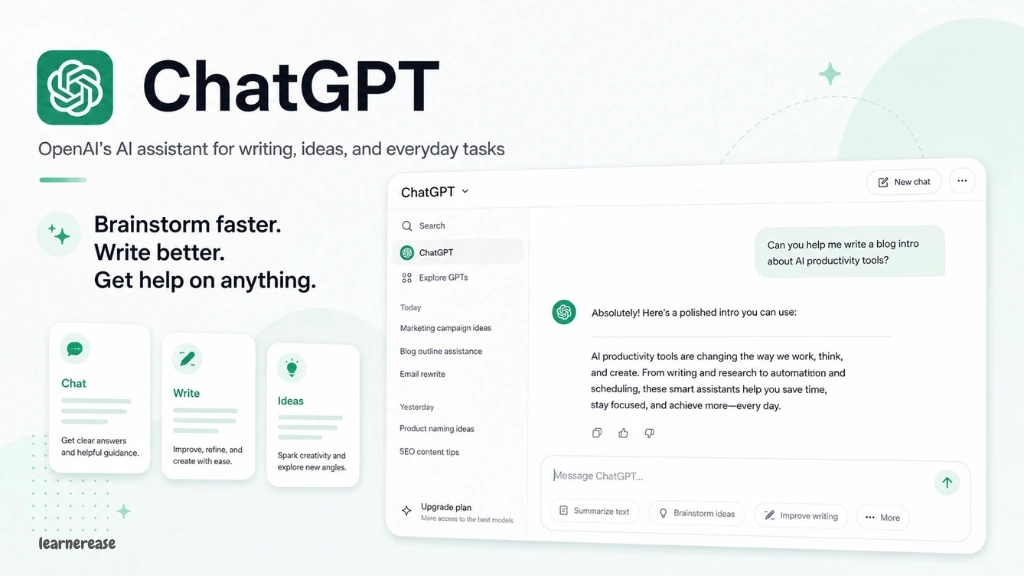
ChatGPT is still one of the easiest free AI tools for students to write essays. You can ask it for topic ideas, possible thesis statements, or a full outline based on your assignment.It also does a decent job explaining tough concepts in simpler words when your readings feel overwhelming. Treat everything it gives you as a starting point. Check the facts and rewrite the content in your own voice before you use any of it.
The free version has limits, but it’s more than enough for most regular essay work.
Grammarly Free for Catching Grammar and Clarity Issues
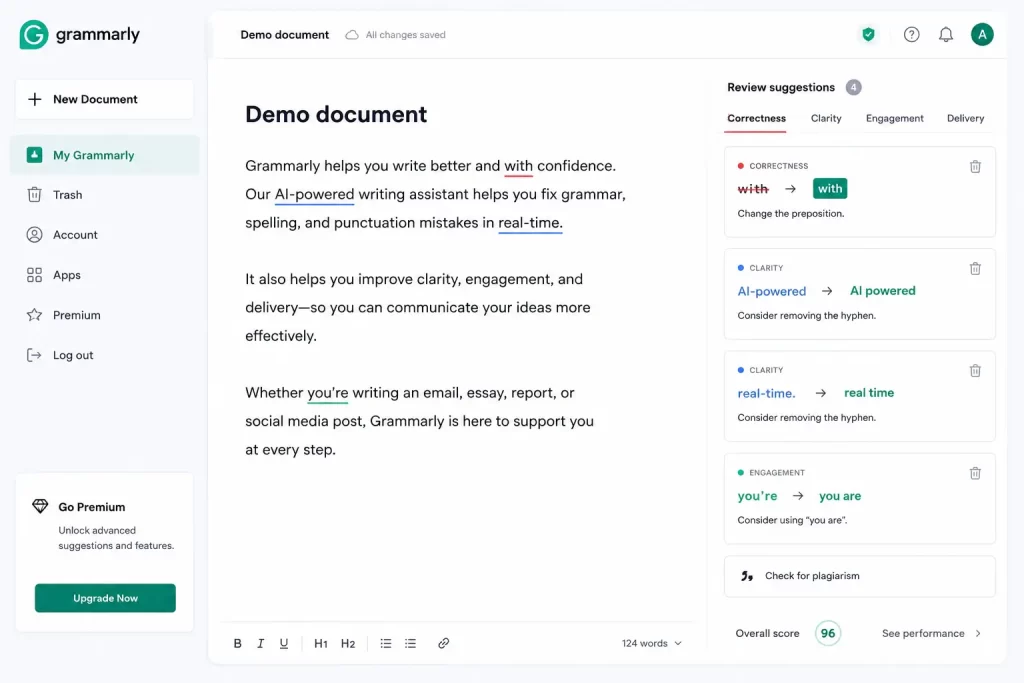
Grammarly’s free plan is surprisingly useful. It flags spelling mistakes, basic grammar errors, and hard-to-follow sentences. It works right inside Google Docs, Word, and most browsers.
You’ll get suggestions for clearer wording and warnings about passive voice that can make academic writing weaker. Free AI tools for students satisfy you, but the paid version has more features; the free one already improves most drafts noticeably.
Run your near-final version through it. You’ll catch small mistakes that cost easy points.
QuillBot for Paraphrasing and Making Sentences Flow Better
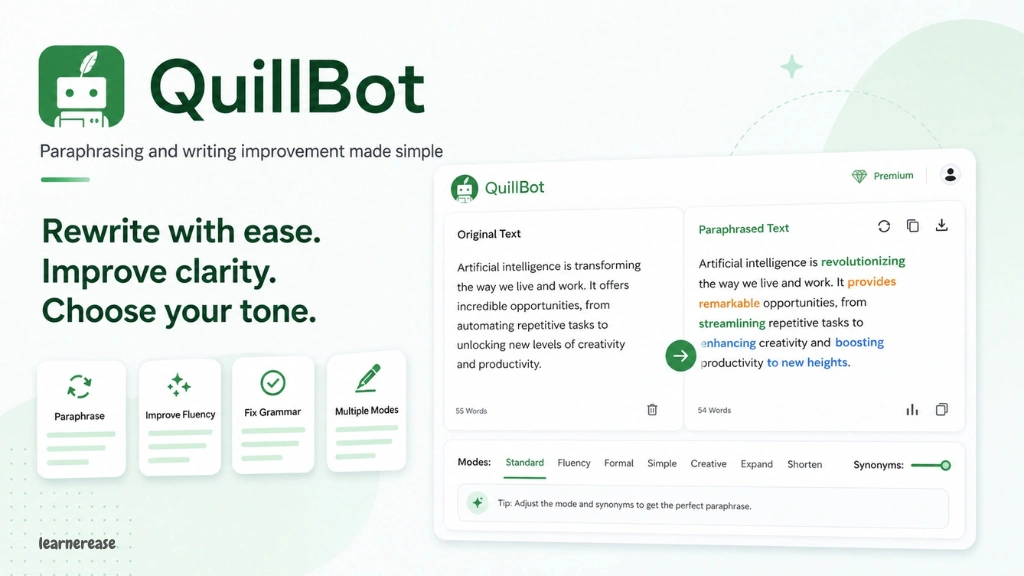
QuillBot is great when a sentence feels clumsy, or you need to blend source material more smoothly. The free mode lets you rephrase short sections while keeping the original meaning.
It’s also handy for creating clearer summaries of long articles. Just remember paraphrasing still requires proper citations. QuillBot doesn’t replace careful reading of your sources.
Many students use it after drafting to tighten up weak paragraphs without losing their own style.
Paperpal for Stronger Academic Structure
Paperpal focuses on scholarly writing. Its free features help with outlines and more formal academic language. It’s useful when your paper needs better organization or smoother transitions between ideas.
It works especially well for research papers and longer essays where structure matters a lot. The tool pushes you to build on your own thoughts rather than dumping a full essay on you.
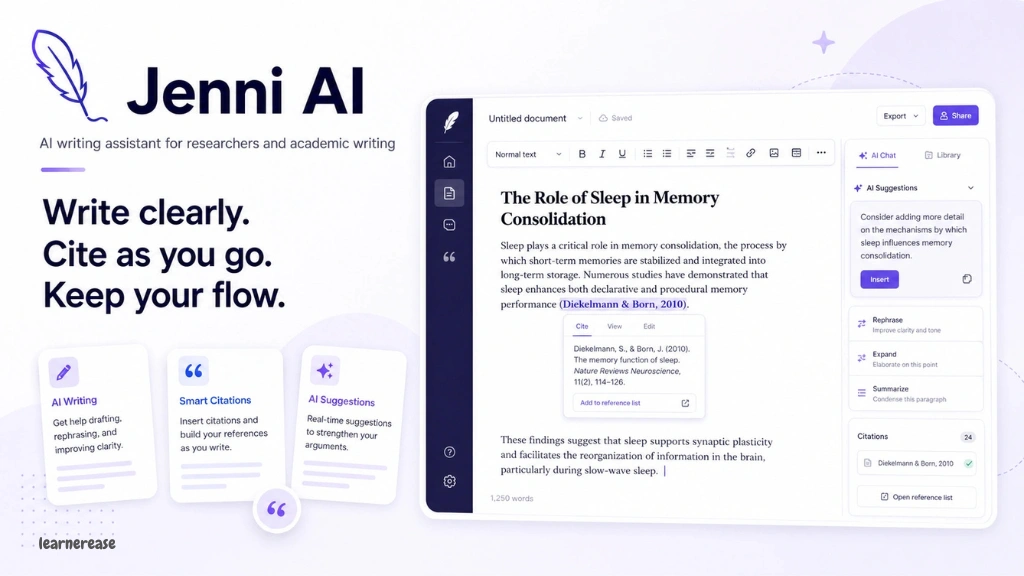
Jenni AI for Sentence-by-Sentence Help
Jenni AI gives suggestions as you write instead of generating whole papers. It proposes possible next sentences or alternative phrasing based on what you’ve already typed.
This keeps you in the driver’s seat. The free version is solid for regular academic writing and works well if you prefer small nudges over big blocks of AI text.
Google Gemini for Help Inside Your Document
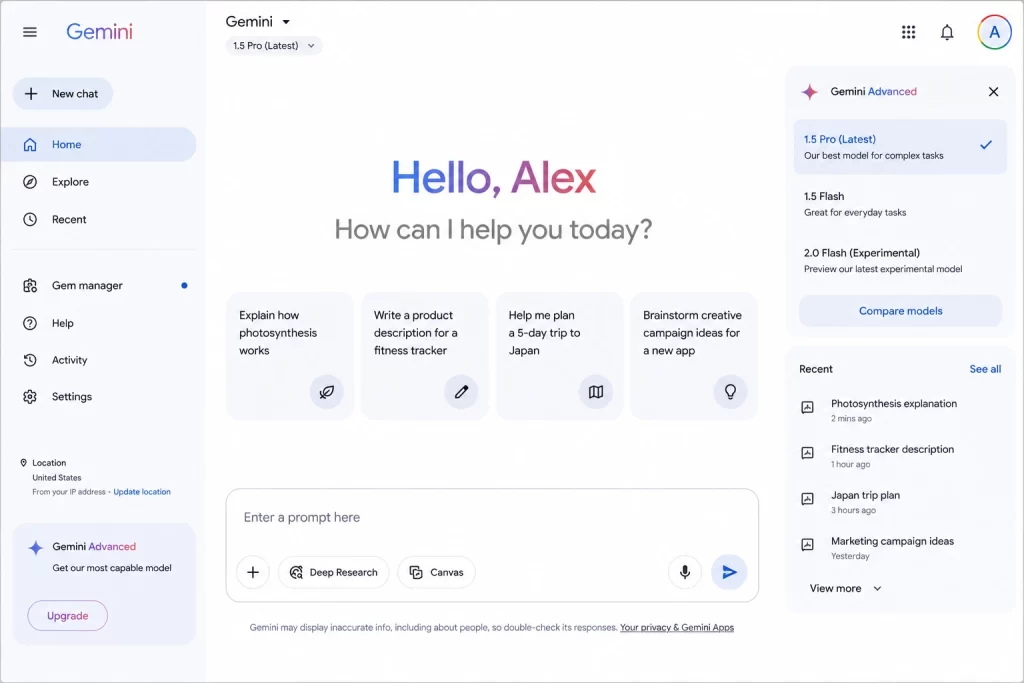
Google Gemini lives inside Google Docs, which makes it convenient. You can ask for outline ideas, rewrites, or explanations without switching tabs.
The free access level handles brainstorming and basic editing fine. Because it stays in a platform you already use, the workflow feels natural. Just double-check every suggestion for accuracy.
NotebookLM for Research Based on Your Own Sources
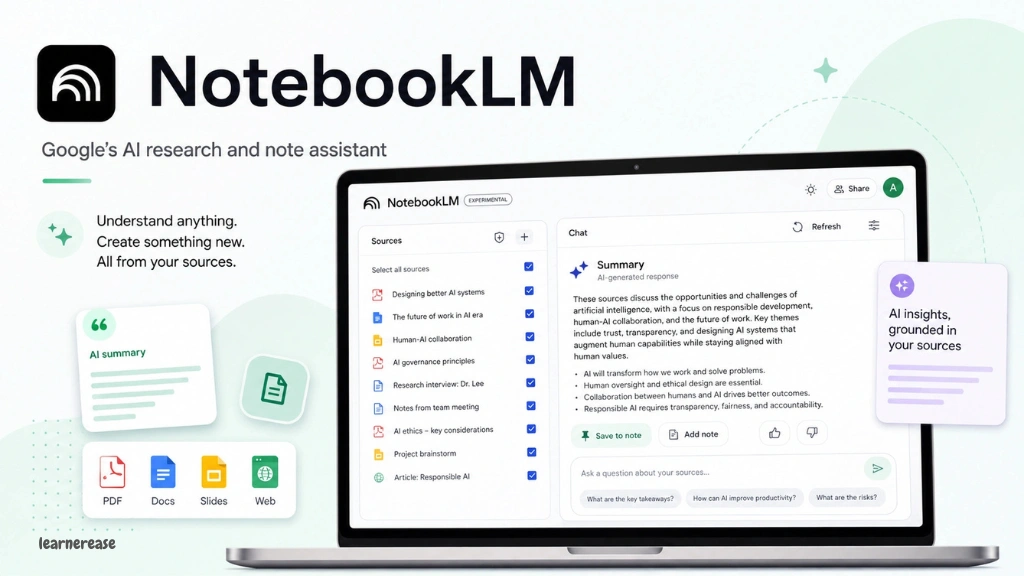
NotebookLM lets you upload your notes, PDFs, or research files. Then you can ask questions and get answers based only on those materials.
This reduces the chance of made-up facts. It’s especially helpful for literature reviews or essays that need strong evidence. The free version handles multiple documents and creates useful summaries.
Perplexity AI for Quick Research with Links
Perplexity mixes search with AI summaries and usually includes source links. It’s good for gathering background information and finding credible references fast.
The free tier works well for essay research. Always open the sources yourself and evaluate them before you cite anything.
Matching Tools to Different Parts of the Essay Process
You get better results when you use the right tool at the right stage.
For choosing a topic or refining a thesis, start with ChatGPT or Gemini. During research, Perplexity and NotebookLM save time finding and organizing sources.
When you’re ready to outline, Paperpal and ChatGPT help create a logical structure you can adjust. While drafting, Jenni’s suggestions or Gemini’s in-document help keep you moving. For editing, Grammarly and QuillBot clean up clarity and variety.
Using tools this way stops you from leaning too hard on any single one and keeps your own thinking front and center.
How to Use These Tools Without Crossing Ethical Lines
Most schools care about original work and proper attribution. Free AI tools for students to write essays should help you think and organize — not write the final paper for you.
Use them for idea generation, structure feedback, and language polishing. Every claim in your essay still needs to come from sources you’ve actually read. Your own analysis and arguments matter most.
Some instructors now ask students to disclose AI use. When you’re unsure, check the syllabus or just ask. Being transparent is safer than getting caught later.
Plagiarism checkers keep getting better. Submitting unedited AI text is a quick way to get into serious trouble. Think of these tools as a smart tutor, not a ghostwriter.
A Simple Workflow That Actually Works
Here’s a practical process that keeps things ethical and effective.
Start by reading the assignment carefully and gathering your main sources yourself. Then use ChatGPT or Gemini to brainstorm angles and create a rough outline. Adjust that outline based on your research notes.
Upload key sources into NotebookLM so you can ask focused questions. Draft the essay in your own words. Only turn to Jenni or Gemini when you’re stuck on a sentence or transition.
After you have a full draft, use QuillBot selectively on weak spots. Finish with Grammarly and double-check every citation against the original sources. This sequence keeps you in control the whole way.
Real Benefits You’ll Notice
The biggest win is time. Outlines and basic edits happen faster, so you have more energy for real thinking and revision.
Language support helps a lot if English isn’t your first language. Structure tools make it harder to turn in a messy, disorganized paper. Research helpers surface useful sources quicker than searching alone.
These advantages only show up when you treat the tools as helpers. Combining your judgment with AI speed usually creates stronger papers than either one alone.
The Limitations You Should Know About
Free versions come with limits — daily quotas, restricted features, or word caps. The more advanced academic tools often sit behind a paywall.
AI can still invent facts or fake citations. You have to verify everything. Relying on these tools too much can also weaken your own writing skills over time.
Another issue is generic phrasing. Essays that sound too polished or formulaic can raise red flags with instructors. Keeping your personal voice takes deliberate editing.
Be careful with privacy too. Don’t upload sensitive personal information or unpublished research into public AI platforms.
Practical Tips That Make a Difference
Better prompts get better results. Tell the tool the essay type, your academic level, the approximate length, and the main points you want covered.
Ask for a few different outline versions and pick the strongest parts. Request feedback on weaknesses in your draft instead of asking it to rewrite everything. Have the AI generate counterarguments so you can address them properly.
Keep your own notes and ideas in a separate document. This protects originality. After using any AI help, read the whole essay out loud. You’ll catch awkward phrasing that looks fine on screen.
Mix two or three tools instead of sticking to one. Different platforms are good at different jobs, and cross-checking improves accuracy.
Mistakes That Get Students into Trouble
The biggest one is copying large chunks of AI text with only light edits. Instructors notice formulaic language and thin analysis pretty quickly.
Skipping proper citations after paraphrasing is another common problem. Failing to fact-check leads to embarrassing errors. Using AI on topics you don’t really understand means you learn almost nothing.
Treating the first AI response as finished work is also a mistake. Good results come from revising and applying your own judgment. Students who skip real research often end up with shallow papers.
Where Free AI Tools for Student Writing Are Headed
These tools keep improving. Free versions in 2026 already do a better job with research grounding and academic tone than earlier ones. Future updates will probably get better at verifying sources and reducing made-up information.
Schools are adapting too. Many now teach AI literacy alongside regular writing skills. Students who learn to use free AI tools for students to write essays responsibly will have an edge in both classes and future work.
The core requirement hasn’t changed: original thinking, careful research, and clear expression. Technology can support those goals, but it can’t replace them.
Picking the Right Mix for Your Situation
No single tool does everything well. If grammar and clarity are your main struggles, start with Grammarly and QuillBot. If you need help with structure and ideas, lean on ChatGPT, Paperpal, and Gemini.
For research-heavy papers, NotebookLM and Perplexity make a strong pair. Try the free versions and see which interfaces feel comfortable. Most students settle on two or three core tools and use others occasionally.
Pay attention to how each one affects your process and your grades. Adjust as your assignments and skills change.
Final Thoughts on Using These Tools Well
Free AI tools for students to write essays can genuinely help when you approach them with some discipline. They speed up outlining, improve language, and organize research. They don’t write the essay for you.
Choose tools that keep you actively thinking. Verify every piece of information. Edit thoroughly. Follow your school’s rules on disclosure and originality.
Students who get this balance right produce stronger work and build real writing skills at the same time. Pick one or two platforms that match your current challenges, practice writing clear prompts, and always revise the results so they sound like you.
The goal is still the same — clear academic writing that shows you actually understand the topic. Used wisely, free AI assistance helps you get there without cutting corners.